Find every player, version, location, network path, owner, and support date.
For a final neutral reference point, consult CISA Secure by Design guidance.
Digital signage security review
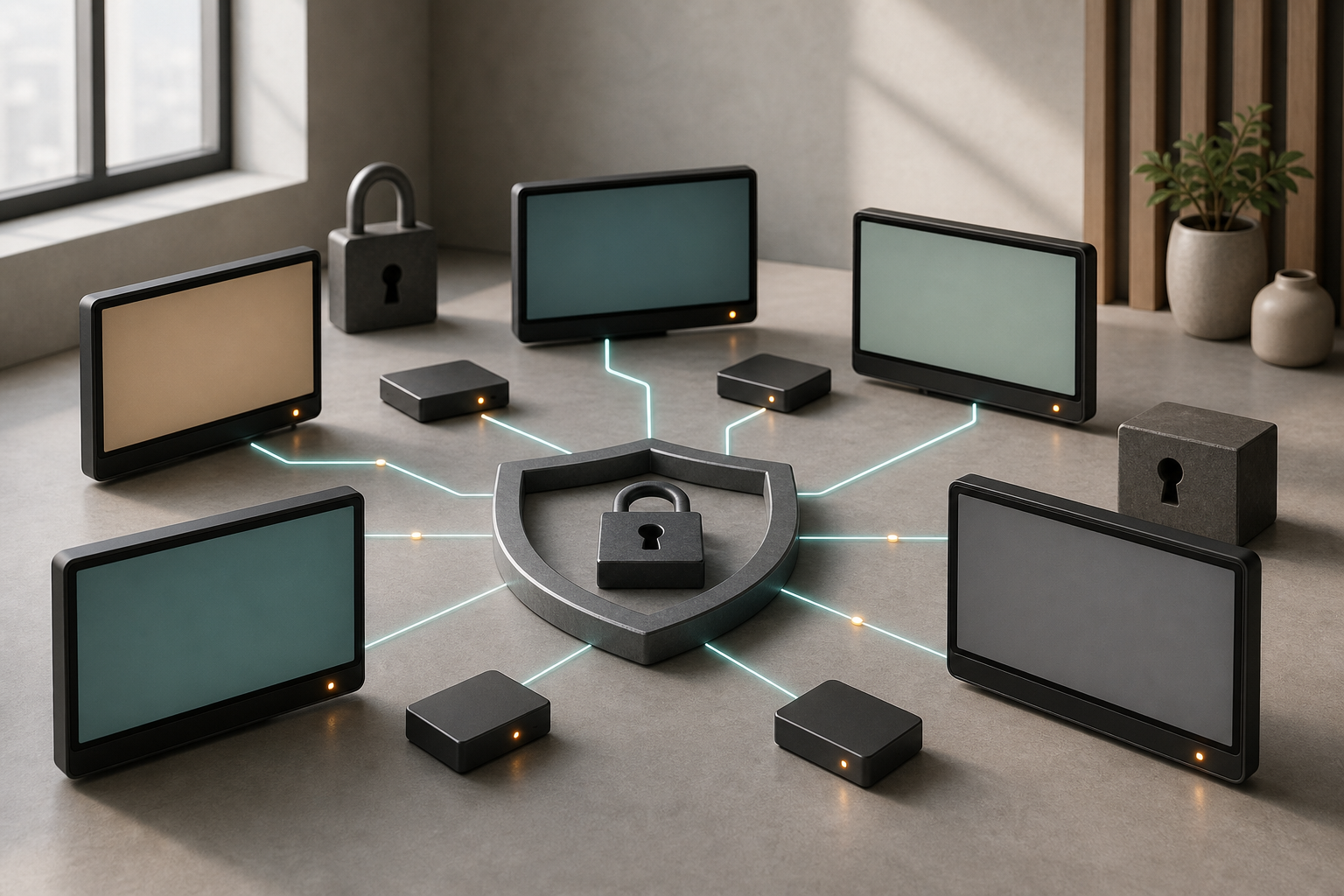
A digital display may look like a passive panel, but the system behind it often includes a media player, operating system, browser, cloud account, content-management platform, remote support path, and access to internal data. Once those parts connect to a network, the screen belongs in the technology inventory—not outside it.
That point became especially timely in July 2026. On July 20, invidis wrote that digital signage is becoming more cloud-native and interconnected with enterprise IT, and argued that the industry can no longer treat cybersecurity as a secondary concern. The article is industry analysis, not a measurement of every display fleet, but it is a clear signal that security has moved into mainstream signage planning.
AVIXA's July 2 review of June Pro AV activity identified security, interoperability, and simpler management as rising expectations across the broader AV market. That neutral industry signal reinforces the need to evaluate identity, authentication, and protected-content access without tying the review to any one vendor's product roadmap.
The practical response is not to turn every display project into a security program. It is to apply a short, repeatable control review before a pilot, rollout, major update, or provider change.
Security decisions should match what the display can reach and what happens if it is misused. A lobby campaign screen showing approved local files does not have the same exposure as a pickup display connected to order status, an operations screen showing an internal dashboard, or a menu board pulling live price and availability data.
For each display group, document:
For a broader systems view, review the ServingIntel integrated operations platform.
That role statement provides the boundary for the ten controls below.
Inventory the panel, media player, operating system, browser or runtime, device-management agent, content-management tenant, location, network segment, owner, and support status. Record serial numbers and IP details in internal systems, not on customer-facing surfaces.
The inventory should answer a simple question: if a vulnerability, expired certificate, or unsupported version is announced, can the team identify the affected screens without visiting every location?
Treat unknown devices as an exception. A player installed during a remodel and forgotten after the vendor leaves is still an endpoint. If it cannot be assigned an owner and lifecycle, remove or isolate it.
Shared administrator accounts weaken accountability and make offboarding difficult. Use named identities for employees, vendors, and support partners. Separate routine content work from tenant administration, device enrollment, billing, and security configuration.
Where the platform supports stronger, phishing-resistant authentication, evaluate it. The important buying question is broader than one feature: which authentication options exist, how recovery works, and whether a lost device or departing administrator can be removed without losing control of the fleet.
For neutral background and operating context, see AVIXA audiovisual-industry resources.
Keep at least two accountable owner-level administrators, protected through the organization's identity standards. Test the recovery path before an emergency.
Not everyone who schedules a campaign needs permission to enroll players, create integrations, export user data, or change security settings. Define roles around real work:
For a small team, one person may hold several roles. The permissions should still be explicit. A review of relevant software ownership and integration questions can help connect signage access to the systems supplying price, inventory, order, resident, or service information.
Review external and dormant accounts on a schedule. Time-bound vendor access where the platform allows it.
Decide how a new player is authorized, how it proves which tenant and screen group it belongs to, and what happens when it is replaced. Pairing codes, activation links, enrollment tokens, and preconfigured images should be handled as credentials.
Related infrastructure planning is available in ServingIntel POS hardware guidance.
Require a change record for enrollment and replacement. Confirm the location, approved hardware, assigned screen role, network segment, configuration source, and person completing the work.
Do not leave an old player active in the management portal after a swap. A device that is physically gone but still trusted can create confusion during incident response.
Avoid treating the nearest available network port or guest Wi-Fi connection as the design. Work with the network owner to define where players belong, which destinations they need, whether inbound access is required, and how support traffic is controlled.
The exact segmentation model depends on the environment. A useful design normally limits signage devices to the services necessary for content, management, time, updates, monitoring, and approved data feeds. It also documents exceptions instead of relying on an unrestricted outbound path.
Ask whether the platform needs direct inbound connections or can operate through established management channels. Broader POS hardware and network planning should include ports, power, serviceability, and replacement access alongside display specifications.
An internal dashboard should not become public simply because a screen needs to show it. Avoid embedding reusable human credentials in a browser profile or publishing a formerly private page to an obscure URL.
A complementary portfolio perspective is available in the POS Menu Boards screen-update drill.
The general control is device identity. The content service should be able to decide that this authorized player—not merely any device that knows the address—may reach the resource.
The implementation might use device certificates, managed identities, a secure gateway, short-lived tokens, or another approved method. Document who issues, rotates, revokes, and monitors that identity. When a player is retired, its access should end.
Ask for the support policy covering the player operating system, browser engine, management agent, embedded apps, and panel firmware. Record:
Automatic updates are not a complete control by themselves. They still need an owner, exception reporting, and a recovery path. For a larger fleet, test updates on a representative group before broad deployment.
Do not let a visually functioning screen hide an unsupported platform. Playback can continue long after security maintenance ends.
Use the following resource when assigning escalation and recovery ownership: ServingIntel support resources.
Security includes preventing incorrect or unapproved content from reaching a public screen. Define how assets are requested, scanned where appropriate, reviewed, approved, scheduled, and retired.
Limit the file types and web sources that the platform can display. For live feeds, document the authoritative source, refresh interval, validation rules, and stale-data behavior. A compromised or broken feed should not silently publish implausible prices, instructions, or status information.
Keep original creative files and final approved assets in an accountable repository. If a screen shows something unexpected, the team should be able to compare the live state with the approved version and identify the change history.
Collecting logs is useful only when someone reviews the signals. Decide which events should create an alert or a recurring review item:
Retention should match the organization's incident and compliance needs. Avoid collecting sensitive content or user information without a clear purpose.
Connect signage alerts to the existing support path. Technology support planning can help establish who receives the first alert, what evidence to capture, and when the issue moves to network, security, software, or hardware owners.
For additional independent reference material, review NIST Cybersecurity Framework.
Write a short response for four scenarios:
The response should identify who can disable an account or device, switch to a safe fallback, preserve logs, communicate with locations, and restore approved content.
Then test decommissioning. Remove a player from the portal, revoke its device identity, erase local content and configuration, update inventory, and confirm it can no longer reach protected services. A device in storage should not remain trusted indefinitely.
Use a compact matrix to turn the review into accountable work.
The matrix does not need to use security jargon. It needs evidence, an owner, and a review date.
For another practical workflow in the portfolio, read the POS Websites integration questions.
A security review is stronger when the operating team performs the actions rather than accepting a checklist response.
During a controlled pilot:
If these steps succeed only while the vendor's most experienced engineer is present, the day-to-day control model is not ready. Repeat the test with the people who will own the fleet after launch.
The player, platform, identities, feeds, and support tools usually create more exposure than the glass. Review the chain, not just the display.
Small teams still experience role changes, vendor turnover, and lost devices. Named access makes recovery simpler, not more bureaucratic.
Convenience should not turn private information into a public URL. Use an approved device or service access method and keep revocation possible.
For additional restaurant and senior-living technology context, consult ServingIntel News & Insights.
Decide in advance what the screen shows when the platform, feed, or account cannot be trusted. The safest fallback may be a static local message, a simplified menu, a manual sign, or a blank promotional region.
The July 2026 discussion around cloud-connected signage, stronger sign-in methods, device identity, interoperability, and security is a reminder that digital displays now participate in the same operating environment as other managed technology.
The goal is not a perfect or isolated fleet. It is a fleet whose devices, identities, network paths, content, updates, alerts, and recovery actions are known and owned.
Before the next rollout or platform change, choose one representative screen group and complete the ten-control review. Close the unknowns, test the fallback, and record the evidence. That is what turns a screen installation into a managed endpoint program.
Find every player, version, location, network path, owner, and support date.
For a final neutral reference point, consult CISA Secure by Design guidance.
Remove a user and a player without losing accountable control of the fleet.
Verify that protected sources and approved assets cannot be silently bypassed.
Switch to a safe state, preserve evidence, and restore known approved content.
Related resources
Connect endpoint controls to the operating environmentA useful signage review considers device serviceability, software ownership, and support escalation together.