Document approved panel, player, mount, and power alternates before the order.
Procurement resilience checklist
The Display Fleet Resilience Checklist: 8 Questions Before You Buy
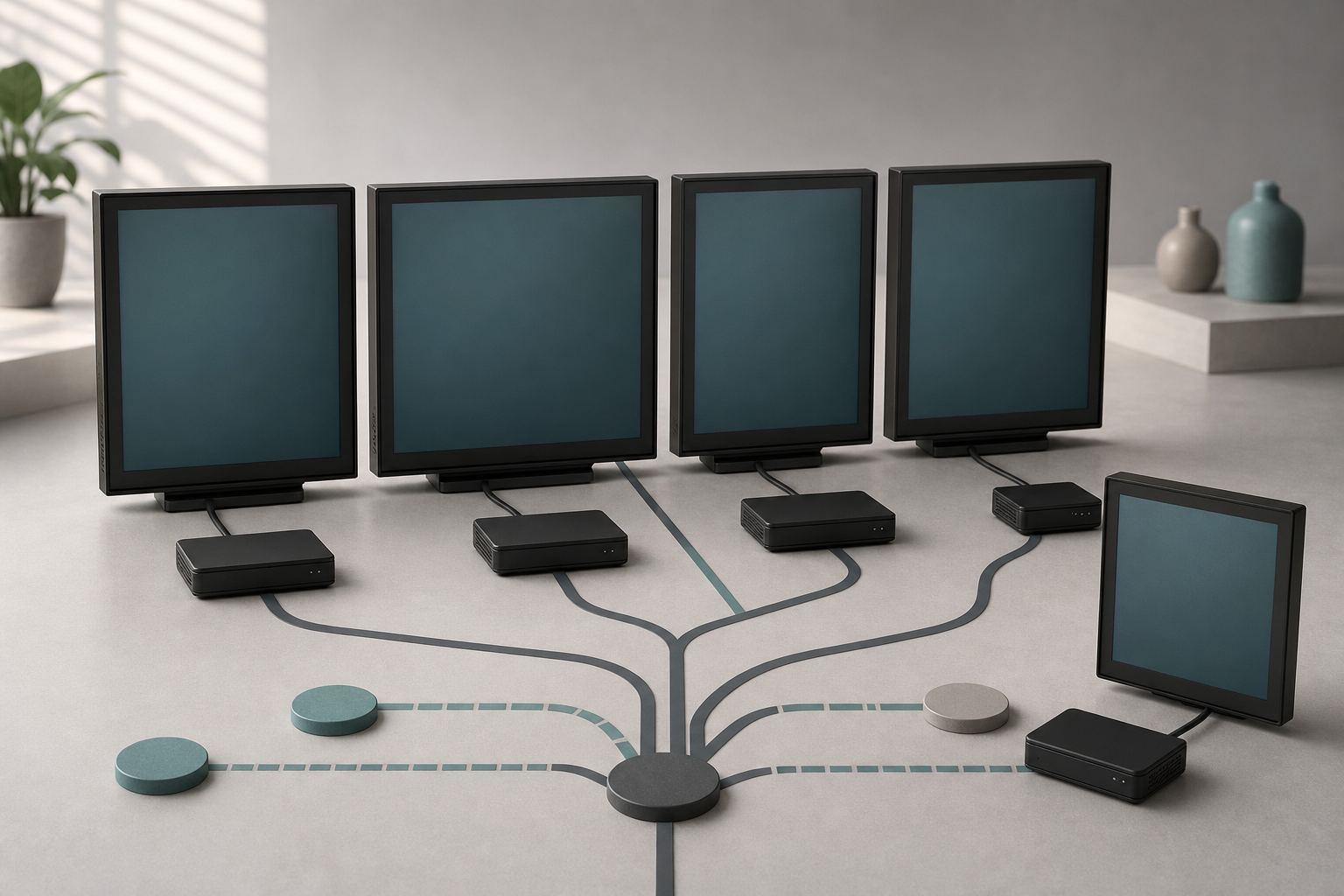
A digital display project can look economical on a quote and become expensive the first time a panel is delayed, a player reaches end of support, or a software relationship changes. The buying decision is not only about brightness, resolution, and license price. It is also about how easily the display program can keep operating when the preferred path is unavailable.
That question became unusually timely in July 2026. On July 22, invidis reported that resilience, technology origin, long-term component availability, and the ability to operate through regulatory or supply changes are becoming more important in digital signage procurement. The article is industry analysis, not a universal buying rule, but it directly reflects the concerns signage buyers are discussing now.
Two independent signals point in the same direction. AVIXA's June 2026 industry index, published July 13, said tariff pressure on AV hardware and components was raising costs for displays and computing products, leading some organizations to delay purchases or reconsider project scope. On July 8, the National Retail Federation and Hackett Associates reported that retailers were front-loading imports ahead of potential August tariff increases and other trade uncertainty.
The practical response is not panic buying. It is to add resilience questions to the specification before a purchase order is signed.
Treat resilience as an operating requirement
Resilience means the display program can continue to deliver its essential job when one component, supplier, connection, or process is interrupted. It does not require a duplicate of everything. It requires knowing which failures matter, what the fallback is, and how quickly the team can recover.
For a broader systems view, review the ServingIntel integrated operations platform.
Start with the screen's role. A lobby campaign screen can tolerate a different outage window than a menu board carrying current prices or a pickup display showing order status. The more operational the screen, the more explicit the continuity requirement should be.
For each display group, write down:
- the information that must remain available;
- the maximum acceptable interruption;
- the person who can switch to a fallback;
- the spare, alternate, or manual path;
- the evidence that the fallback has been tested.
Then use the following eight questions to compare proposals.
1. Can the primary hardware be substituted?
Ask whether the specified panel, media player, mount, cable set, and power accessory have approved alternates. A substitute does not need to be identical, but it should meet the requirements that actually affect the use case: commercial duty cycle, brightness, orientation, mounting pattern, input support, environmental rating, warranty, and remote-management compatibility.
Avoid writing a specification around a feature that looks impressive but is not tied to an operating need. Every unnecessary dependency narrows the replacement path. A review of relevant POS hardware options can help the team separate serviceability and lifecycle requirements from nice-to-have specifications.
For neutral background and operating context, see AVIXA audiovisual-industry resources.
Record alternates before the order, not after a shipment slips. Name who is allowed to approve the substitution and which tests must be repeated.
2. What is the true landed and installed cost?
The unit price is only one part of the decision. Ask the supplier to identify quote validity, freight assumptions, tariff treatment, taxes, mounting materials, adapters, configuration labor, disposal, and any required spares.
The July 8 NRF update is useful context rather than a display-specific forecast. It documents a period in which retailers were accelerating imports because of possible tariff increases and trade uncertainty. That does not prove a given screen will cost more next month. It does show why the commercial assumptions behind a quote need an expiration date and an owner.
Compare proposals using the same cost boundary. One vendor may include configuration and staging while another lists only hardware. A cheap panel that requires a special mount, external player, extra service visit, or short replacement cycle may not be the lower-cost system.
3. How long will firmware and security support last?
A commercial display fleet is part of the technology environment. Ask for the support policy covering the panel operating system, media player, device-management agent, browser engine, and any embedded applications.
Related infrastructure planning is available in ServingIntel POS hardware guidance.
The answer should include:
- the current supported versions;
- the expected end-of-support process;
- how security notices are delivered;
- who can schedule or defer updates;
- what happens if an update fails;
- whether rollback is supported;
- what evidence is available after a fleet update.
Do not accept "automatic updates" as a complete control. Automation still needs ownership, maintenance windows, exception reporting, and recovery steps.
4. What still works when the network or cloud service is unavailable?
Ask the provider to demonstrate offline behavior. Can the player continue showing the last approved content? Do menus, prices, schedules, or emergency instructions remain available? How long is content cached? What happens when a data feed is stale?
Define a visible stale-data rule for information that can change. A screen should not silently present an old price or service status as current. Depending on the use case, the safer fallback may be a simplified local message, a static menu, a blank promotional region, or a manual sign.
The operating team should know how to activate the fallback without waiting for the person who built the system. Broader technology support planning can help establish the first contact, escalation path, and evidence to capture during an interruption.
A complementary portfolio perspective is available in the POS Menu Boards screen-update drill.
5. Are spares and mounting parts standardized?
A spare is useful only when it can be installed where the failure occurs. Standardize mounting patterns, cable access, power requirements, player images, and configuration steps where the environment allows it.
For a small fleet, one tested spare player and a documented panel alternate may be enough. For a larger or geographically distributed fleet, set a spare ratio based on failure impact, delivery time, and service coverage rather than copying an arbitrary benchmark.
Label spares in the asset register, not on the customer-facing surface. Test them on a schedule. A sealed box that has never received current firmware or content is inventory, not a verified fallback.
6. Can the organization export its content, data, and configuration?
Resilience includes the ability to change providers without rebuilding the program from memory. Ask what can be exported from the content-management system and in which formats.
At minimum, document access to:
Use the following resource when assigning escalation and recovery ownership: ServingIntel support resources.
- original creative files and approved final assets;
- playlists, schedules, tags, and screen groups;
- device inventory and location mapping;
- user roles and approval history;
- proof-of-play or operational logs where applicable;
- integration definitions and data-field mappings.
Confirm that the organization, not only an outside administrator, has an accountable owner-level account. Review permissions regularly. If the platform supplies restaurant or senior living data, include the relevant software ownership and integration questions in the same review.
7. What happens if the supplier or platform changes?
The July 22 invidis analysis argues that origin and long-term operability are moving into procurement discussions. The useful takeaway is not to reject a geography or brand category. It is to understand dependencies.
Ask:
- Which components require the original vendor's cloud?
- Can a standard player or alternate CMS use the installed displays?
- Are licenses transferable?
- Who owns custom templates and integrations?
- What notice applies to pricing, product retirement, or service termination?
- How would credentials and data be handed over?
- Can the fleet be operated in a reduced mode during a migration?
Write an exit outline before signing. A credible provider should be able to explain how the relationship ends as clearly as how it begins.
For additional independent reference material, review NIST Cybersecurity Framework.
8. Which lifecycle signals will the team review?
Resilience improves when the team notices weak signals before an outage. Decide which measures belong in a monthly or quarterly review.
Useful signals can include:
- unreachable devices and repeat disconnects;
- content-sync failures;
- storage or temperature alerts;
- panels approaching warranty or support milestones;
- time to replace a failed unit;
- spare inventory and test status;
- emergency changes and their causes;
- unresolved access or ownership exceptions.
Do not collect a dashboard simply because the platform offers one. Assign a person to review each signal and define the action threshold.
Build a requirements sheet that exposes tradeoffs
Create a short comparison sheet with two columns: required and preferred. Put continuity, support, export, and substitution requirements beside the usual visual and commercial criteria.
- Panel: Require a commercial duty cycle, approved mount pattern, and documented alternate; prefer the same model across every location.
- Player: Require remote management, tested offline cache, and a recoverable configuration; prefer tool-free replacement.
- Software: Require role-based access, exportable assets and inventory, and a support policy; prefer reusable templates across screen types.
- Service: Require a named escalation path, replacement target, and change records; prefer a proactive quarterly fleet review.
- Commercial: Require quote expiry, complete installed-cost assumptions, and exit terms; prefer multi-year price protection.
This structure keeps a proposal from winning on a preferred feature while missing a required operating control.
For another practical workflow in the portfolio, read the POS Websites integration questions.
Test failure modes during the pilot
A pilot should test recovery, not only content playback. In a controlled window:
- Disconnect the network and confirm the approved offline state.
- Stop a data feed and verify the stale-data behavior.
- Replace a player using the documented spare process.
- Restore configuration from the expected source.
- Remove an administrator and confirm ownership does not disappear with that account.
- Export the asset library, device inventory, and schedule information.
- Record the time, permissions, tools, and people required for each recovery.
If the pilot succeeds only because the vendor's most experienced engineer is present, the operating process is not ready. Repeat the test with the people who will own the system after launch.
Avoid overcorrecting
Resilience does not mean buying every component from two suppliers, holding excessive inventory, or refusing useful cloud services. Those choices can add cost and complexity without reducing the failures that matter.
Use the screen role and outage impact to choose the control. A nonessential campaign display may need only cached content and a support contact. A transaction-adjacent screen may justify a tested spare, a stricter support target, and a manual fallback.
The aim is a deliberate recovery path, not an invulnerable system.
For additional restaurant and senior-living technology context, consult ServingIntel News & Insights.
Buy the recovery plan with the display
The current discussion about tariffs, supply chains, and long-term technology control is a reminder that a display fleet is more than a group of panels. It is a chain of hardware, software, content, credentials, suppliers, and operating decisions.
Before approving the purchase, ask whether the essential screen role can survive a delayed shipment, a failed player, a stale feed, an unavailable cloud service, or a provider change. Document the answer. Test the fallback. Give it an owner.
That is what turns a display specification into an operating plan.
Evidence used for this guide
- Digital Signage Supply Chains: Why “Made in …” Starts to Matter — invidis, July 22, 2026
- AVIXA's June 2026 Index — AVIXA, July 13, 2026
- Import Cargo Expected to Set New Record Ahead of Potential August Tariffs — National Retail Federation, July 8, 2026
Verify the exact screen state when the network, cloud service, or data feed fails.
For a final neutral reference point, consult CISA Secure by Design guidance.
Keep accountable access to content, configuration, inventory, and export tools.
Know how the fleet can keep operating while hardware or software providers change.
Related resources
Connect resilience to the operating environmentA useful display plan considers hardware serviceability, software ownership, and support escalation together.
- POS hardware options
- Senior living POS software
- Technology support planning