Hardware lifecycle | Published August 6, 2026
Repair, Retire, or Redeploy? A Digital Signage Hardware Scorecard
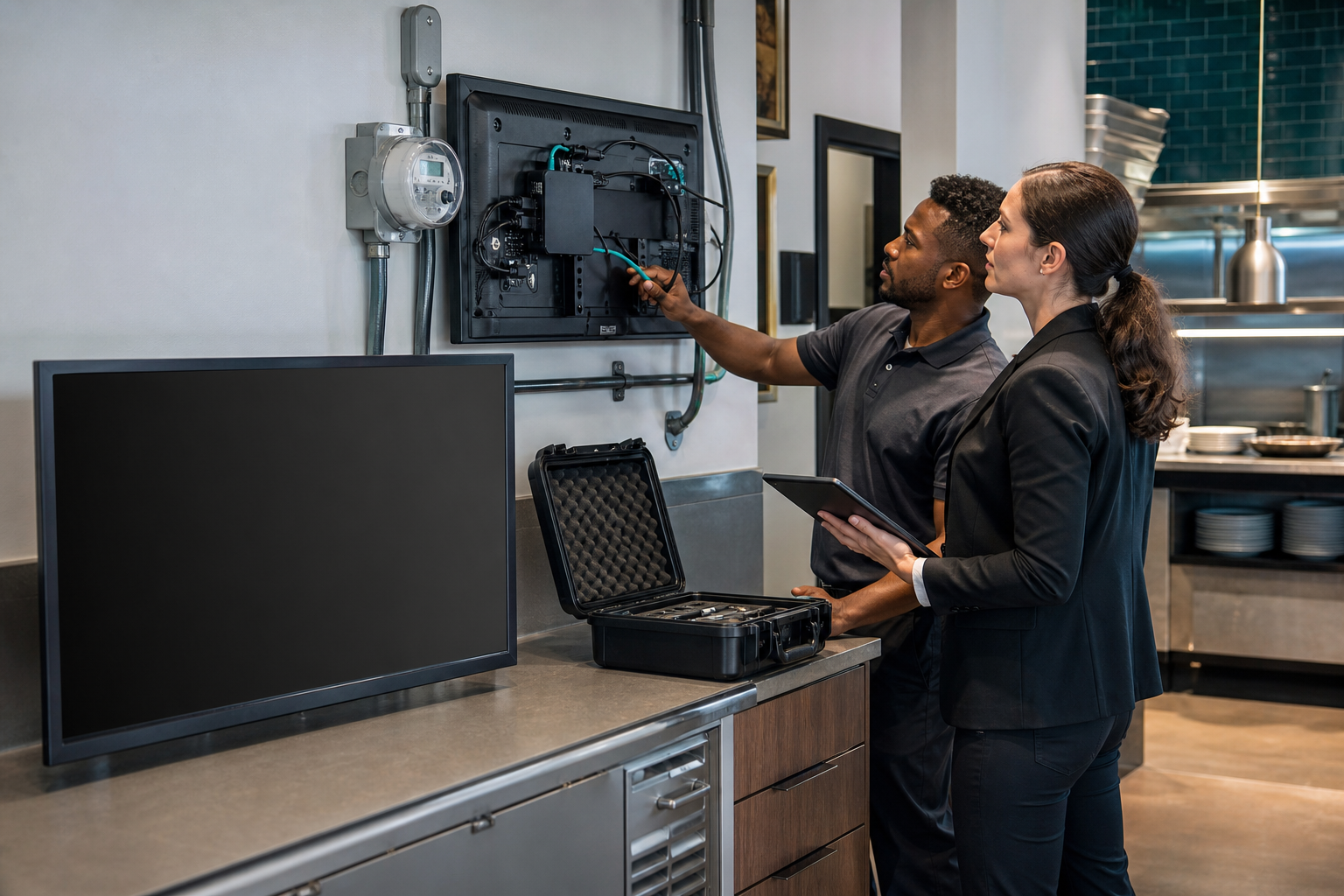
Replacing every imperfect screen wastes capital. Keeping every aging screen creates failure risk. A useful hardware review separates visible defects from operating fit, then records why an endpoint should be repaired, retired, or redeployed.
The ENERGY STAR display dataset updated July 27, 2026 provides a current efficiency signal. The agency's signage-display buying guidance distinguishes consumer and commercial operating characteristics, including connectivity, cooling, orientation, and expected service life. The U.S. Access Board's July digital-accessibility session is a reminder that a screen's location and content must also support usable communication.
Start with a complete endpoint inventory supported by ServingIntel hardware planning.
Score six dimensions from zero to three
- Operating fit: duty cycle, brightness, orientation, heat, grease, and viewing distance.
- Reliability: restarts, black screens, image retention, input loss, and power events.
- Supportability: warranty, parts, firmware, remote management, and documented ownership.
- Energy: measured draw, sleep behavior, schedule, and unnecessary operating hours.
- Accessibility: placement, glare, contrast, readable content, and alternative access.
- Recovery: spare availability, configuration backup, swap time, and offline fallback.
Use zero for unknown or unacceptable, one for fragile, two for adequate, and three for controlled. Unknown is not neutral; it is work that must be completed before the purchasing decision.
Apply the decision rules
Repair when the endpoint still fits the duty, the fault is isolated, the supported fix is economical, and recovery remains predictable. Retire when safety, support, reliability, or operating fit falls below the minimum threshold. Redeploy when the screen is sound but over-specified, underused, or poorly matched to its current location.
Keep hardware ownership and operating context connected through the ServingIntel Genesis platform.
Prove the replacement before scaling it
- Install one candidate in the hardest representative location.
- Run normal content, fallback content, restart, network-loss, and power-recovery tests.
- Measure glare and readability from actual guest positions.
- Record temperature, stability, remote visibility, and recovery time.
- Approve the configuration and preserve a reproducible baseline.
Use the 90-second menu-board reading test for guest-facing placement. Test outage behavior with the Support4POS payment-outage playbook.
Write the lifecycle record
Record serial or asset identifier, location, role, purchase date, warranty, firmware owner, approved configuration, energy schedule, score, decision, and next review date. Route defects through ServingIntel support resources rather than relying on informal memory.
Review wider operating and technology signals through ServingIntel News & Insights.
The bottom line: the right display decision is not “newest wins.” It is the option that delivers the required message reliably, accessibly, supportably, and with a tested recovery path.