Display hardware and resilience | Published August 11, 2026
The Display Patch Window: A 30-Minute Maintenance Clock for Connected Screens
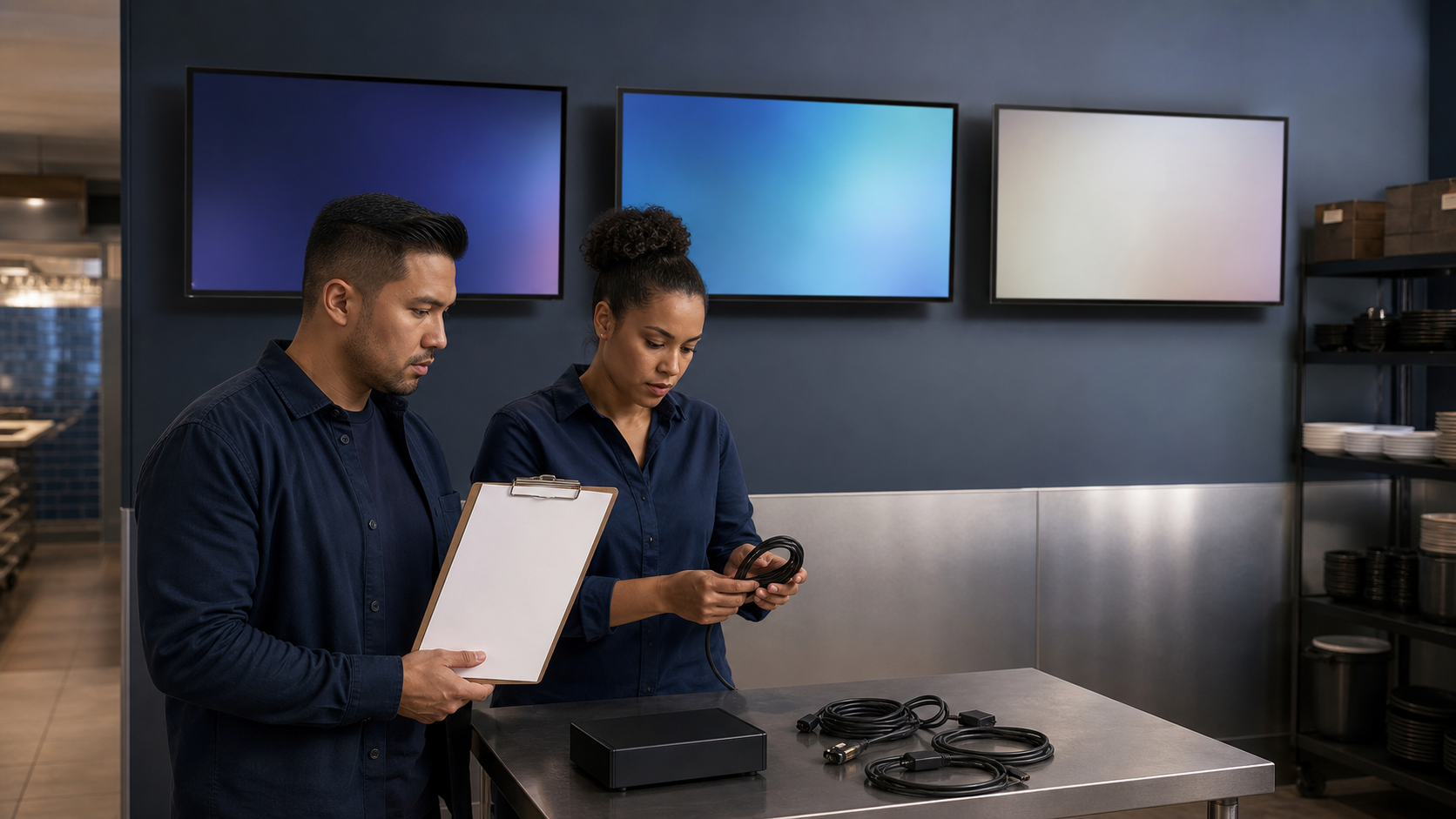
Connected screens need a maintenance rhythm that protects service as well as security. An update notice is not complete when someone forwards an email; it is complete when the affected endpoints are identified, staged, updated, verified, and recoverable.
The Canadian Centre for Cyber Security advisory list recorded new critical vulnerability notices in July. Its July 15 critical-vulnerability alert recommends patching, hardening, and isolating affected internet-facing systems.
A July 23 CERT-EU advisory update likewise urged immediate updates and compromise assessment for actively exploited flaws. For a display fleet, resilience means applying that urgency without turning every screen into a simultaneous experiment.
Tie endpoint identity, ownership, and lifecycle decisions to ServingIntel Genesis.
Start the clock only after scope is known
- List affected displays, players, browsers, operating systems, routers, and management tools.
- Record current versions, support status, location, business duty, and owner.
- Confirm the update source and integrity information.
- Name the test endpoint, fallback content, rollback package, and escalation contact.
- Choose a window that does not hide an unresolved guest-facing outage.
Use the Support4POS outage playbook to keep service continuity separate from the maintenance task.
The 30-minute maintenance clock
- 0–5 minutes: isolate the pilot endpoint and capture its known-good state.
- 5–12 minutes: apply the approved update and preserve installer evidence.
- 12–20 minutes: verify boot, connectivity, content, schedule, orientation, audio, and remote control.
- 20–25 minutes: test rollback or restore on the pilot.
- 25–30 minutes: decide go, hold, or rollback for the next endpoint group.
Coordinate equipment and support ownership through ServingIntel hardware planning.
Roll out by configuration group
Group endpoints by model, player, OS, network, orientation, and content duty. Patch one representative device, then a bounded subset, then the remainder. Verify the active board state with the POS Menu Boards daypart proof sheet.
Close with evidence, not assumption
Record versions, timestamps, failed endpoints, rollback use, content hashes, photos, and owner sign-off. Route defects through ServingIntel support resources and monitor future operating context through ServingIntel News & Insights.
The bottom line: a safe display patch window is a measured sequence with known scope, a pilot, a rollback, and proof that guest-facing service returned correctly.