Food-safety operations | Published July 29, 2026
The Emergency Screen-Change Drill Every Dining Team Should Run
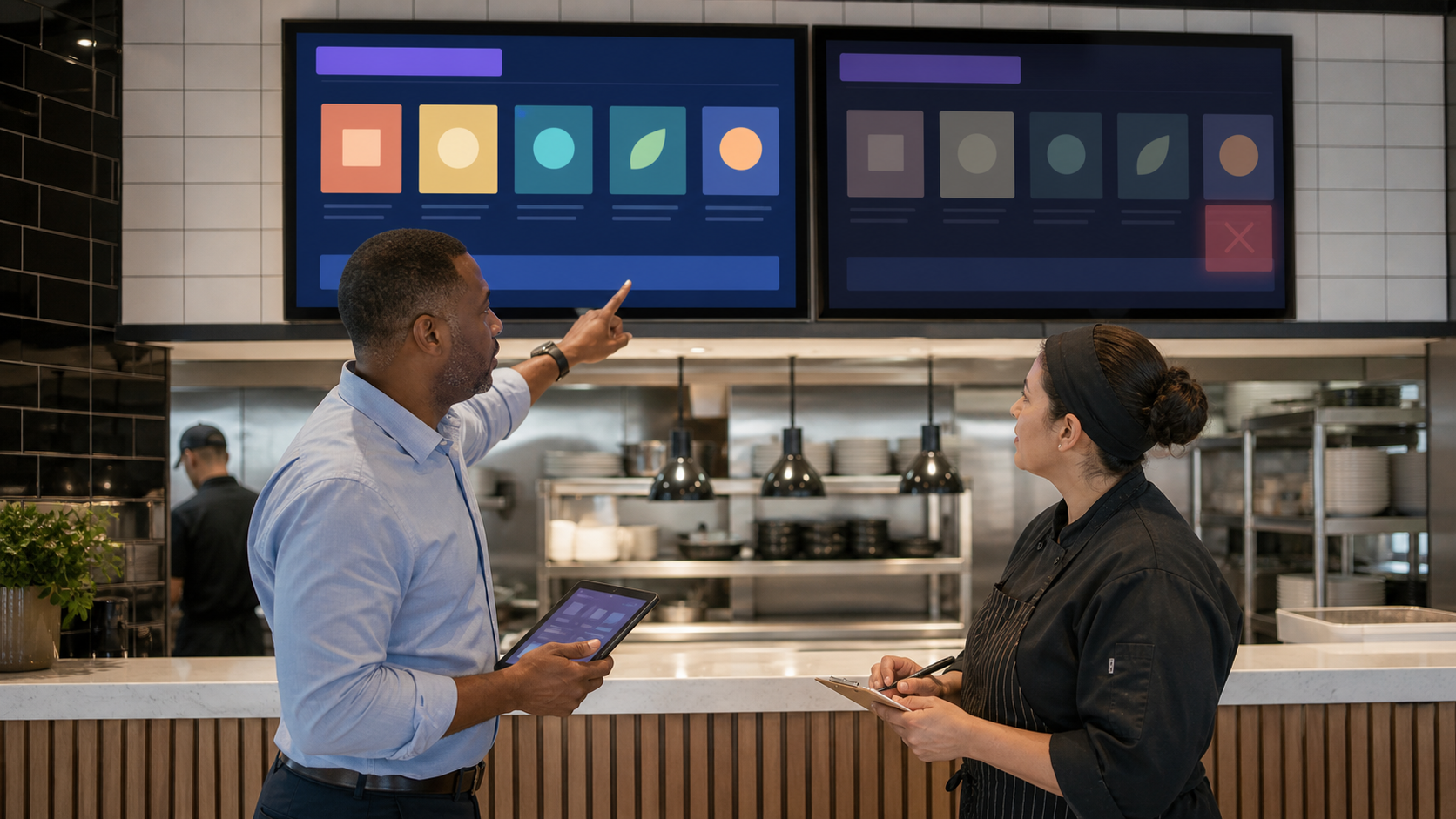
A recall or food-safety alert can turn a routine menu update into a time-critical operational control. A dining team should be able to remove an affected item from every guest-facing screen, verify the change, preserve evidence, and restore service without guessing who owns each step.
That readiness matters now. The Associated Press and U.S. Food and Drug Administration published July 24 updates on a multistate egg investigation, while Florida public-health officials issued a July 10 Listeria advisory. These events do not imply a problem at any specific operation; they are a current reminder that ingredient status can change quickly.
Review the neutral current evidence from the Associated Press, the FDA investigation notice, and the Florida Department of Health advisory.
Connect content ownership to the wider operating system with the ServingIntel Genesis platform.
Define the drill before the clock starts
Use a realistic but fictional scenario. Identify one ingredient or menu item, two affected locations, a known start time, and a target completion time. The drill owner should prepare the expected result but should not tell every participant which screens contain the item.
Include every surface that can influence a guest decision: overhead boards, customer-facing displays, kiosks, lobby screens, pickup screens, and any locally managed promotional playlist. If a display depends on POS data, include the upstream item-availability change and the downstream visual check.
Map the hardware inventory and fallback paths using ServingIntel hardware guidance.
Assign four roles with no overlap
- Incident owner: confirms scope and authorizes the item removal.
- Content operator: makes the approved screen and playlist changes.
- Location verifier: checks each physical screen and reports evidence.
- Recorder: timestamps actions, exceptions, and the final all-clear.
One person may cover two roles in a small operation, but the responsibilities should still be named separately. The person who publishes a change should not be the only person who verifies that it reached every location.
A complementary portfolio workflow appears in the POS Menu Boards screen-update drill.
Run the removal sequence
- Confirm the affected item, ingredient, locations, channels, and effective time.
- Pause or remove the item in the authoritative menu source.
- Publish the approved emergency screen state.
- Refresh or restart only the endpoints that require it.
- Check each screen in person or through a trusted current endpoint view.
- Record missing, stale, offline, or locally overridden screens.
- Apply the documented fallback wherever the normal update failed.
Avoid substituting an unreviewed promotional slide. The emergency state should be simple, accurate, high-contrast, and free of claims the operations team cannot verify.
Keep escalation ownership available through ServingIntel support resources.
Verify the update as a guest would see it
A content-management success message is not proof that the guest-facing screen changed. The verifier should check the actual endpoint, confirm that the affected item is gone or clearly unavailable, and verify that nearby pricing and layout remain correct.
- Capture a timestamped result for every affected screen group.
- Confirm that offline endpoints show the approved fallback.
- Check that rotating content cannot reintroduce an old item.
- Verify that the POS, kiosk, and display agree on availability.
Practice a controlled return to service
The drill is incomplete until the team can restore the item safely. Require a named authorization, a fresh source record, and a second-person review. Republish the normal state, inspect each endpoint again, and archive the incident log with its evidence.
Pair the restoration step with the POS Websites integration questions when availability also reaches online ordering.
Score the drill
Track time to first action, time to complete coverage, endpoints missed on the first pass, fallback success, and whether the final record identifies every decision owner. Repeat the drill after ownership, inventory, or screen software changes.
The benchmark is not a perfect dashboard. It is a team that can make one accurate change everywhere, prove the result, and recover cleanly while the real operation continues.
Continue the control review with ServingIntel News & Insights.
Back to POS Digital Display