Display operations | Published August 5, 2026
The Five-Screen Price Consistency Audit
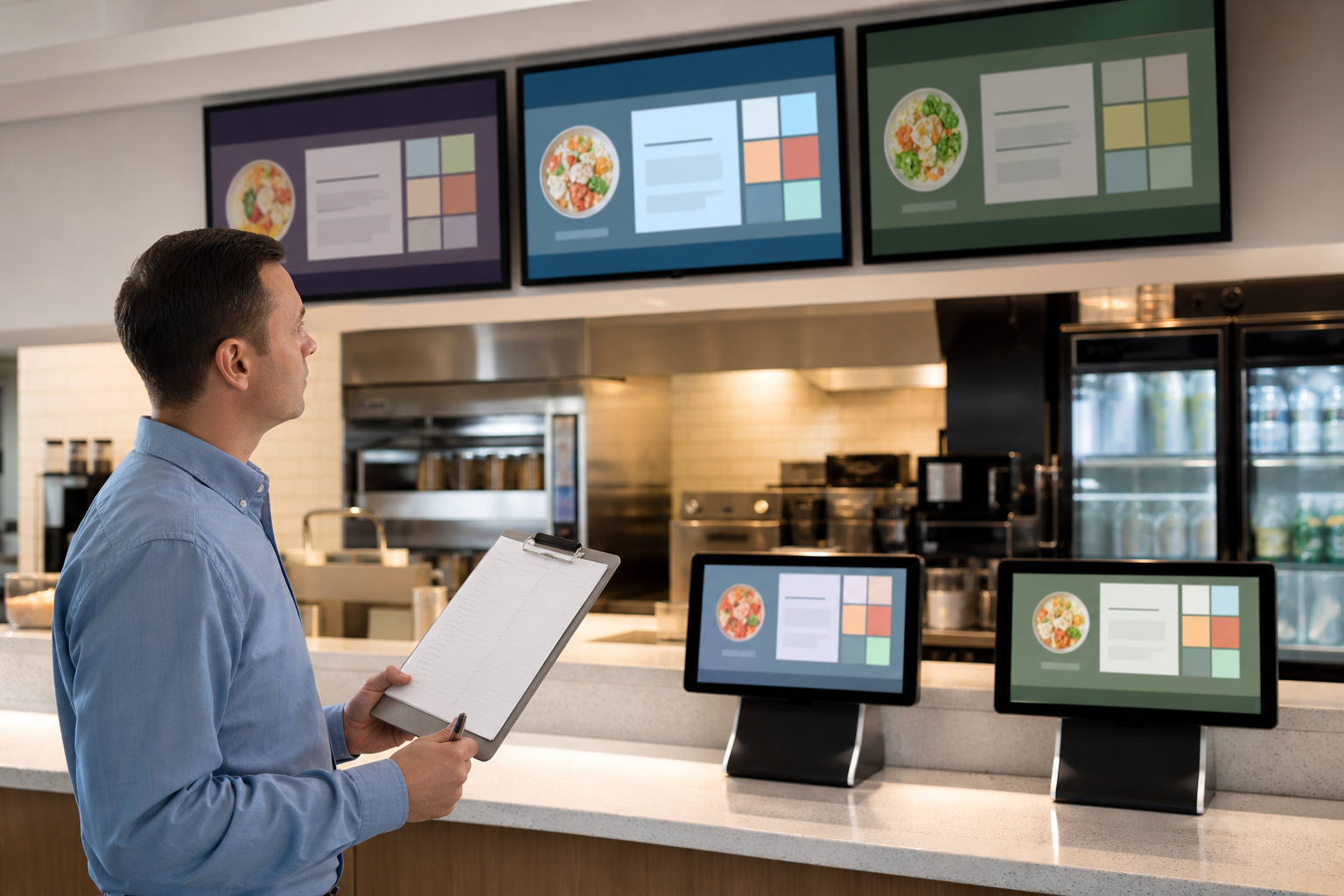
A menu update is not complete when the source file changes. It is complete when every guest-facing surface shows the same approved price, availability, modifier, tax treatment, and fallback message at the intended time.
The USDA July Food Price Outlook documented continued food-away-from-home inflation and large category movements. The FDA recall index also shows why availability and safety messaging can change with little notice. Together, those neutral signals explain why operators may be updating screens now—but they do not excuse an inconsistent guest experience.
The Department of Justice accessibility guidance also reinforces a durable principle: information must be perceivable and usable. Treat accuracy and accessibility as one release standard, not two separate projects.
Keep the approved source and operating context together through the ServingIntel Genesis platform.
Name the five screens before the change
- Primary overhead menu display.
- Secondary or queue-position display.
- Counter, kiosk, or customer-facing order display.
- Pickup, drive-through, or satellite service display.
- Fallback image, offline playlist, or emergency screen.
If the operation has more than five surfaces, group them by shared content source and hardware profile. Map endpoints with ServingIntel hardware guidance so a forgotten local player or replacement screen cannot escape the release check.
Compare the fields guests actually use
- Item name, category, and description.
- Base price, size price, and required modifier price.
- Availability, sold-out state, and daypart timing.
- Allergen or dietary language approved for display.
- Contrast, type size, reading order, and motion.
Use the POS Menu Boards price-reset workflow to assign content ownership, then compare the digital-display result with the POS Websites mobile menu accessibility check. The goal is one approved fact set across physical and online surfaces.
Run the audit from the guest position
Stand where the guest makes a decision. Check the display at realistic distance, angle, glare, queue pressure, and time. Photograph the screen only under the operation's approved policy, and record the device, content version, timestamp, and result.
Review current operations context through ServingIntel News & Insights, but require the named internal owner to approve every price or availability change.
Use a release-and-rollback rule
Release only when all five screens match the approved source. If one endpoint is stale, either correct it before launch or activate an approved fallback that removes the conflicting claim. Record the rollback owner and escalation path through ServingIntel support resources.
- Approved source and effective time are named.
- Every endpoint returns a pass, fail, or controlled fallback.
- Accessibility and accuracy are tested together.
- A second person verifies the highest-impact price changes.
- The audit record includes a retest after launch.
The bottom line: a pricing decision becomes a guest promise only after every display presents the same clear, current, and usable information.
Back to POS Digital Display